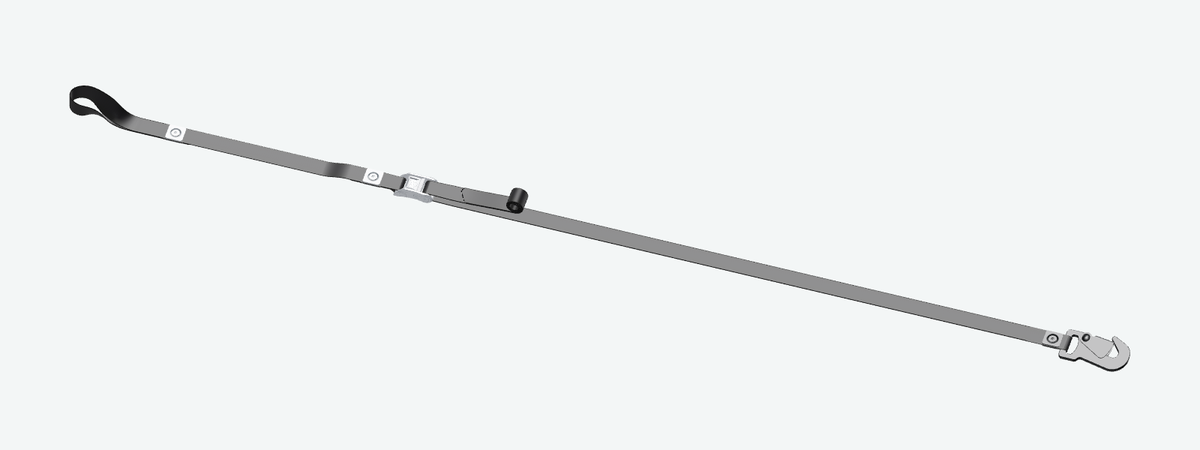
CAM
Quick adjustment with a CAM buckle. Configure each side and choose sewn, LASERWEB bolted or loose connections.
Choose webbing & appearance WEBBING & ASSEMBLIES · BY EXOLOXEXOLOX ↗
Loading your roll…
30 FT ROLL · DRAG TO ROTATE · PINCH TO ZOOM
01 / START WITH YOUR WEBBING
Your colors. Your artwork. Your next creation. Start with the finish and width, then map both faces in the webbing studio.
Your selected finish, width and color pairing open in the full studio. Set the front and back repeat independently.
ROLYPULLEY PURPLE · DRAG TO VIEW
02 / CUT. BOLT. RECONFIGURE.
Laser-cut webbing with optional connection slots. Bolt on hardware with WebWashers, then open, reconfigure or mend the connection.
Configure LASERWEBThe same purple woven appearance and model as the RolyPulley LASERWEB product.
03 / CHOOSE YOUR ASSEMBLY
Choose the webbing appearance, then set your lengths, hardware and connections in each builder.
Quick adjustment with a CAM buckle. Configure each side and choose sewn, LASERWEB bolted or loose connections.
Choose webbing & appearance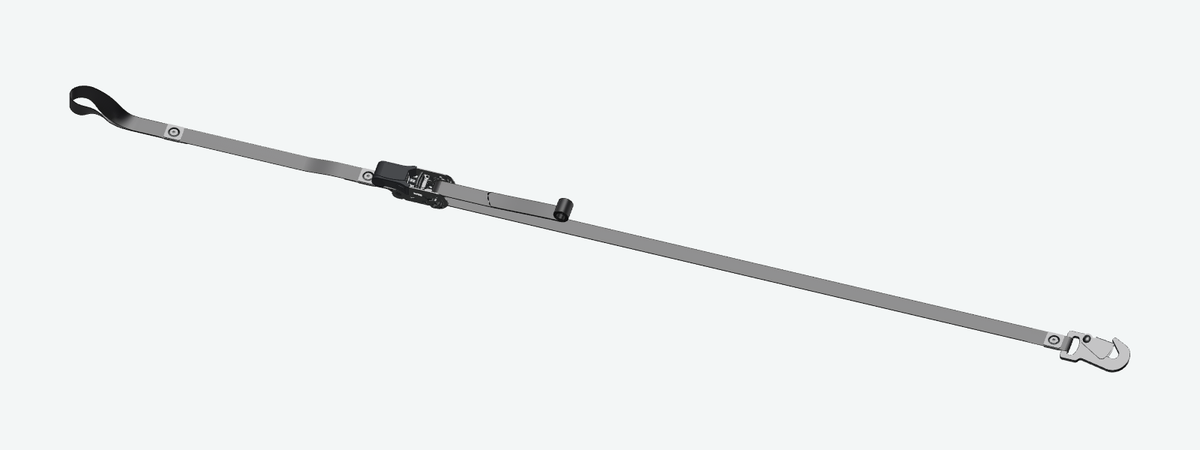
Ratchet tension with independent lengths and end fittings. Build the setup around the webbing you choose.
Choose webbing & appearance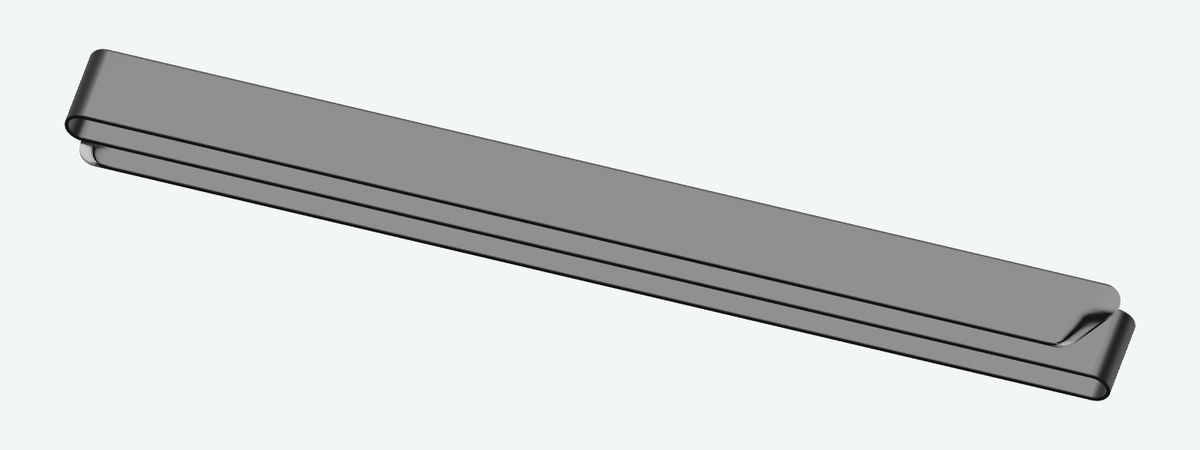
One continuous length. Choose your webbing, end fittings and the attachment method at each end.
Choose webbing & appearance04 / TAKE IT WITH YOU
Carry the same attention to webbing, color and hardware into your everyday Gameday setup.
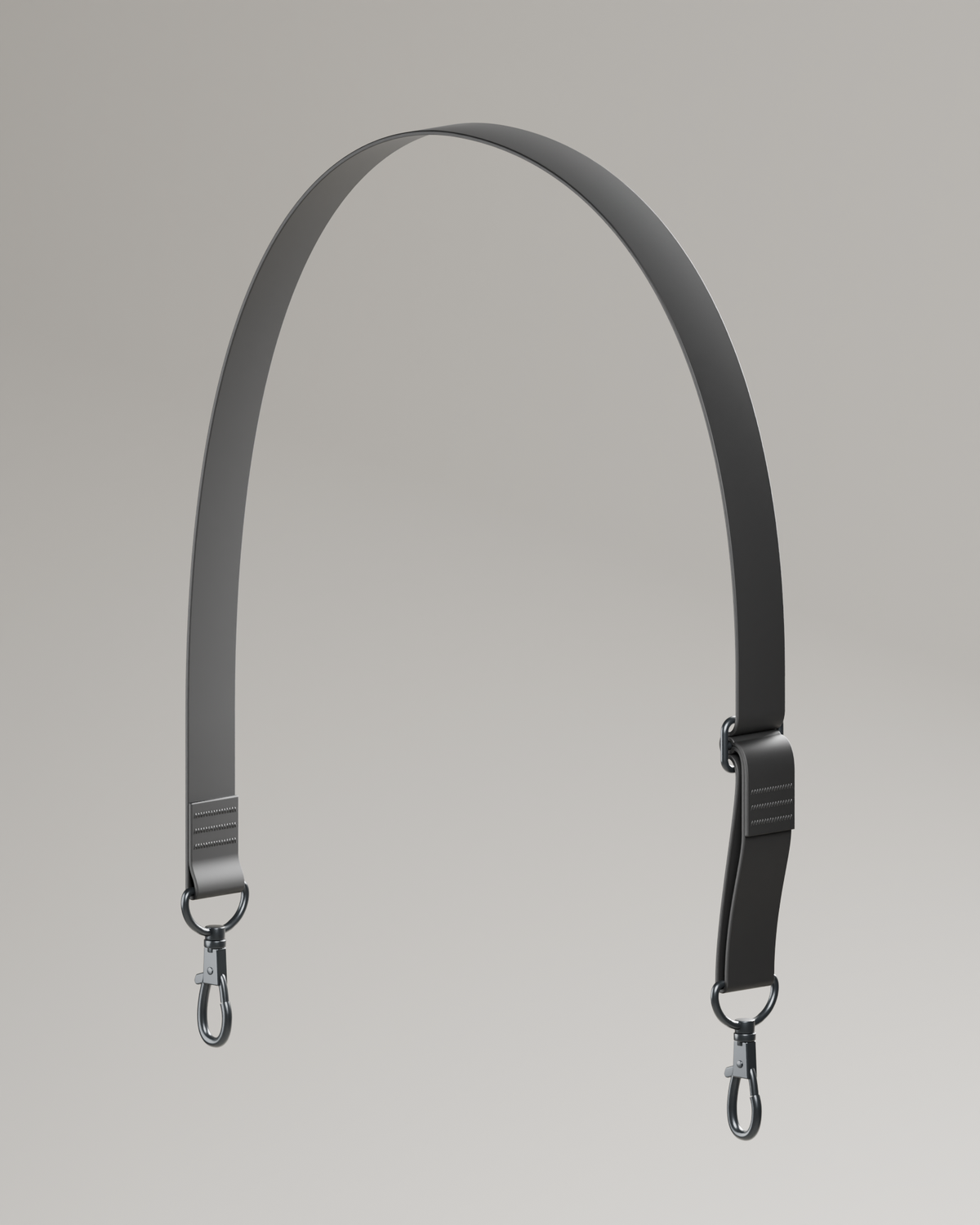
Adjustable webbing, stock patterns and interchangeable bag hardware. Make the strap work with your carry setup.
Choose strap appearance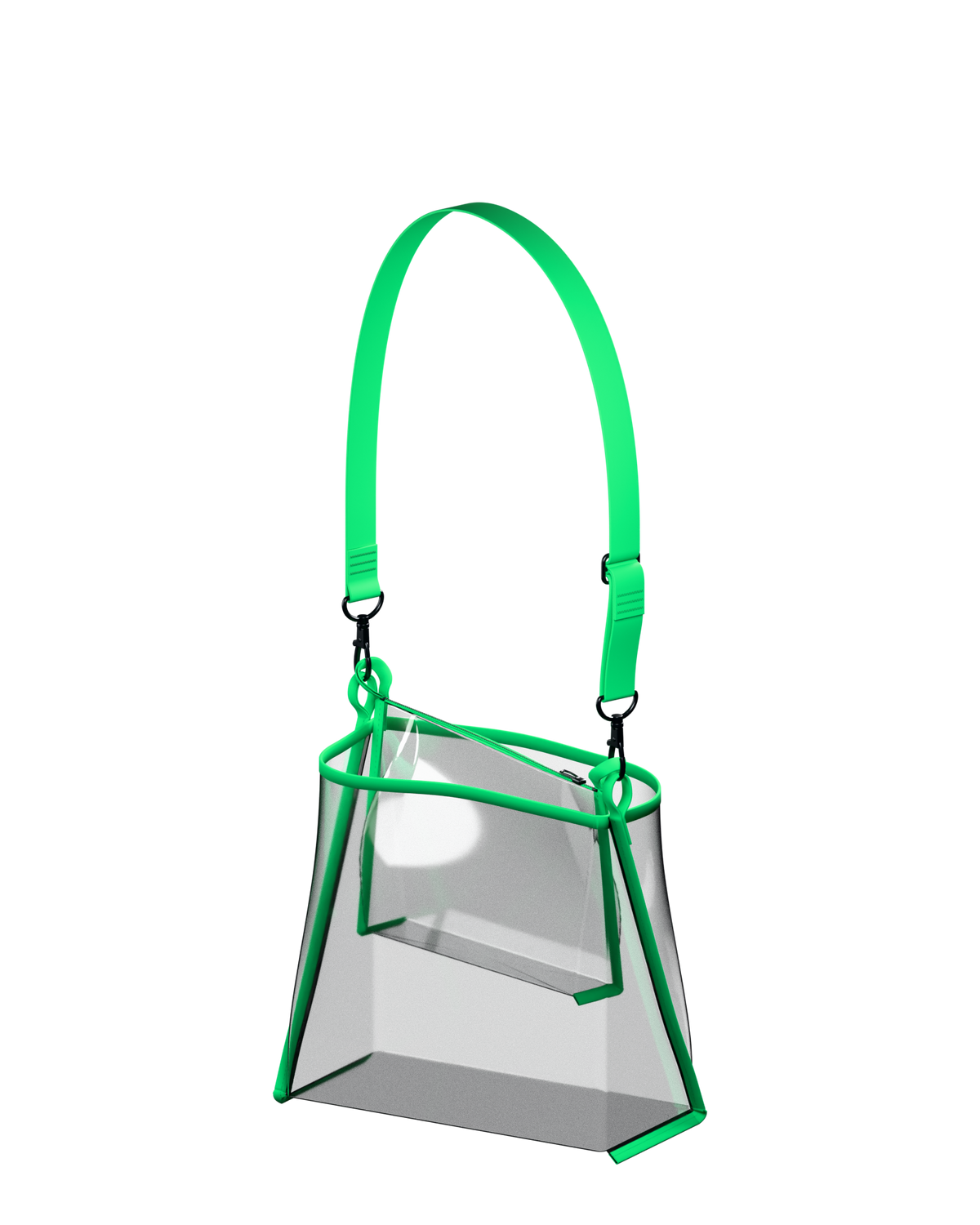
Clear and Color Carry kits, buckets, clutches and flagpole bags. Coordinate the binding and shared strap.
Explore colors & bag styles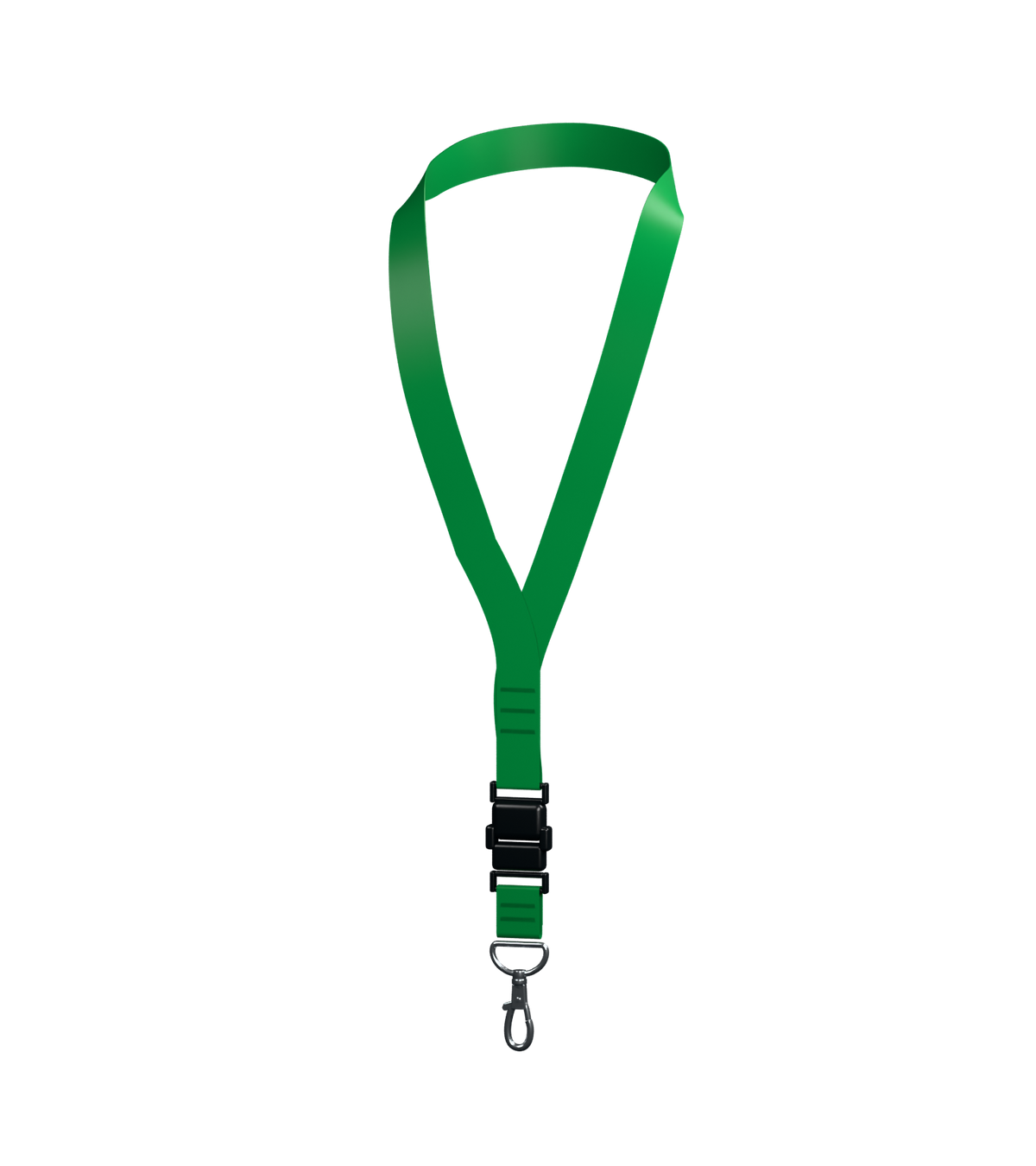
Lanyards, key fobs and the gear that completes your setup. Explore color, pattern and hardware choices.
Explore accessory appearances